
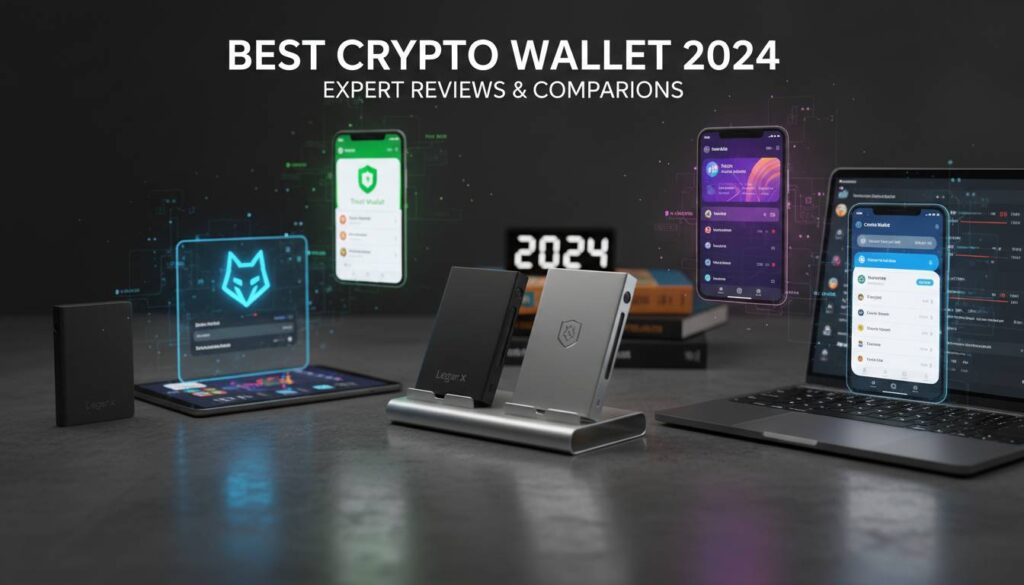
The crypto space moves fast in 2024, and if you’re in the US and looking to get into digital assets—or already have some—you’re going to need a wallet. Not a physical one, obviously. We’re talking software or hardware that lets you store, send, and receive cryptocurrency. The problem is there are hundreds of options out there, and picking the wrong one can mean losing your funds or getting hit with annoying fees. This guide breaks down what actually matters.
Hot Wallets vs Cold Wallets: What’s the Difference
Here’s the most important distinction to understand before anything else: hot wallets stay connected to the internet, while cold wallets don’t.
Hot wallets are apps on your phone, programs on your computer, or browser extensions. They’re convenient—you can trade quickly, move money around, connect to decentralized exchanges. If you’re active in crypto, you’ll probably want one. The trade-off is they’re more vulnerable to hackers since they’re always online.
Cold wallets are usually physical devices—think Ledger or Trezor. Your private keys stay on the device, which you can unplug and put in a drawer. Much harder to hack, but less convenient when you want to make a trade. Pulling out your hardware wallet every time you want to swap tokens gets old fast.
Most people who take crypto seriously use both. Keep the bulk of your holdings in cold storage, use a hot wallet for smaller amounts you actually trade with. Simple.
Best Crypto Wallets for Beginners
If you’re new to this, don’t overcomplicate it. You want something easy to use, with good support if you get stuck.
Coinbase Wallet is the obvious starting point for most people. It works with the Coinbase exchange, so buying crypto and moving it to your wallet is straightforward. The interface doesn’t drown you in jargon, and the security is solid for a hot wallet. If you’re already using Coinbase to buy, this is the natural pairing.
Trust Wallet is popular if you prefer doing everything on your phone. It supports a ton of different cryptocurrencies and connects to DeFi apps directly. The built-in browser means you can explore decentralized finance without needing a separate app. One thing to note: Trust Wallet was acquired by Binance, so your data goes to a major exchange now.
Exodus wins on design. It simply looks good, which makes crypto feel less intimidating. It supports over 300 coins and has a built-in swap feature so you don’t have to move money elsewhere to trade. The mobile and desktop apps sync nicely. Downside: their customer support can be slow, and the exchange rates inside Exodus aren’t always the best.
Best Wallets for DeFi and Web3
If you’re into decentralized finance—lending, borrowing, yield farming, trading on DEXes—your wallet needs to connect to those applications easily.
MetaMask is the standard here. Nearly every DeFi protocol supports it. Browser extension or mobile app, both work well. You can connect to Uniswap, Aave, Compound, NFT marketplaces—all the big names work out of the box. Advanced users appreciate the gas controls, the ability to manage multiple wallets, and the option to pair with a hardware wallet for extra security.
It’s not perfect. The interface can be clunky for power users, and support is basically nonexistent if you run into problems. But the network effect is real—every DeFi tutorial assumes you’re using MetaMask.
Rabby is worth a look if you want an alternative. It was built specifically for DeFi trading. The transaction simulation is genuinely useful—you see exactly what might go wrong before you sign. It hasn’t reached MetaMask’s ecosystem breadth yet, but for Ethereum-based trading, it’s a solid choice.
Hardware Wallets: Maximum Security
If you’re holding serious money in crypto, a hardware wallet isn’t optional—it’s insurance. These devices store your private keys offline, meaning hackers can’t reach them no matter what.
Ledger dominates the market. The Nano X has a screen and Bluetooth, so you can use it with your phone. The Nano S Plus is cheaper and does the same job without the wireless feature—both are solid. Ledger uses secure chips that are basically impossible to extract keys from. The Ledger Live app is decent for managing everything.
Trezor takes a different approach with fully open-source firmware. Security researchers can audit the code, which appeals to people who don’t trust proprietary systems. The Model T has a touchscreen; the Model One is the budget option. Both work well, though Ledger’s ecosystem is larger.
Expect to spend $50 to $250 depending on the model. Yes, it’s an upfront cost, but it’s worth it. People lose millions to hacks every year—paying $80 for a hardware wallet is cheap relative to that risk.
Fees: What You’re Actually Paying
Here’s something many guides gloss over: fees matter, and they add up.
Hot wallets usually don’t charge you directly to hold crypto. Instead, they make money through spreads when you buy/sell inside the app, or by offering “premium” features. Check what you’re actually getting when you see “free.”
Hardware wallets are a one-time purchase. Some companies offer optional subscriptions for extra features like insurance, but you don’t have to pay monthly to use the device.
Then there are network fees—the “gas” on Ethereum, for example. These go to the blockchain, not the wallet. Every wallet handles this differently. Some let you pick between slow/cheap and fast/expensive. During busy periods, gas fees can skyrocket—this is especially true on Ethereum. Budget accordingly.
Mobile vs Desktop
Your usage pattern matters here. Mobile is convenient if you’re moving money on the go, checking prices, making quick trades. Modern phones have fingerprint or face unlock, which adds a nice security layer.
Desktop apps give you more screen space for complex DeFi interactions, especially when using browser extensions like MetaMask. If you’re doing serious research or managing a portfolio, the extra screen real estate helps.
Most good wallets work across both—your keys sync so you can access funds from either. Just don’t forget your password or seed phrase on one device while you’re traveling.
Regulation: What to Know
The US regulatory picture is messy and evolving. Many wallets need to verify your identity (KYC) if you want to buy crypto with dollars. Some people hate this. If you care about privacy, look for wallets that don’t require ID—but understand you won’t be able to easily buy crypto with fiat on those.
The SEC and CFTC keep making noise about crypto regulation, and enforcement actions happen regularly. Reputable wallet companies have legal teams watching this stuff. Smaller or dodgier providers might disappear if regulations shift.
Final Thoughts
There’s no single “best” crypto wallet—it’s about what fits your situation.
New to crypto? Start with Coinbase Wallet or Trust Wallet, keep amounts small, learn the basics. Got money in DeFi? MetaMask is non-negotiable for now. Holding significant value long-term? Get a Ledger or Trezor.
Most serious holders end up with a combination. A hardware wallet for your main stash, a hot wallet for trading. Accept the tradeoff between convenience and security—trying to maximize both usually means getting worse at both.
Frequently Asked Questions
Which crypto wallet is best for beginners in 2024?
Coinbase Wallet, Trust Wallet, and Exodus are the easiest to recommend for beginners. Coinbase Wallet integrates with the Coinbase exchange so you can buy and transfer easily. Trust Wallet is mobile-focused with broad crypto support. Exodus has the best design but slower support. Pick one, start small, learn as you go.
Are crypto wallets safe to use?
Wallets use encryption, 2FA, and biometrics to protect funds. Hardware wallets are safest since keys never go online. But safety also depends on you: protect your seed phrase (never share it, write it down somewhere secure), avoid phishing links, only download from official websites.
Do I need a hardware wallet?
If you’re holding more than a few hundred dollars in crypto, yes. If you’re just experimenting with small amounts, a hot wallet is fine. A hardware wallet is protection against the worst-case scenario—hacks, exchange failures, malware. For serious holders, the $50-250 cost is worth the peace of mind.
What’s the difference between hot and cold wallets?
Hot wallets connect to the internet—easy to use but more exposed to attacks. Cold wallets stay offline—much safer but less convenient. Most people use hot for spending/trading and cold for long-term storage.
Which wallet has the lowest fees?
Hot wallets like MetaMask and Trust Wallet don’t charge holding fees—you only pay network transaction fees. Hardware wallets are a one-time cost. The cheapest option depends on how you use it: if you’re constantly trading, a wallet with good built-in exchange rates saves money on spreads.
How do I transfer crypto between wallets?
Get your receiving wallet’s address (the long string of characters), paste it into the sender, confirm the network matches, and send. Always double-check the address—crypto transactions can’t be reversed. Send a tiny test amount first if it’s a new address.